
A budget that talks
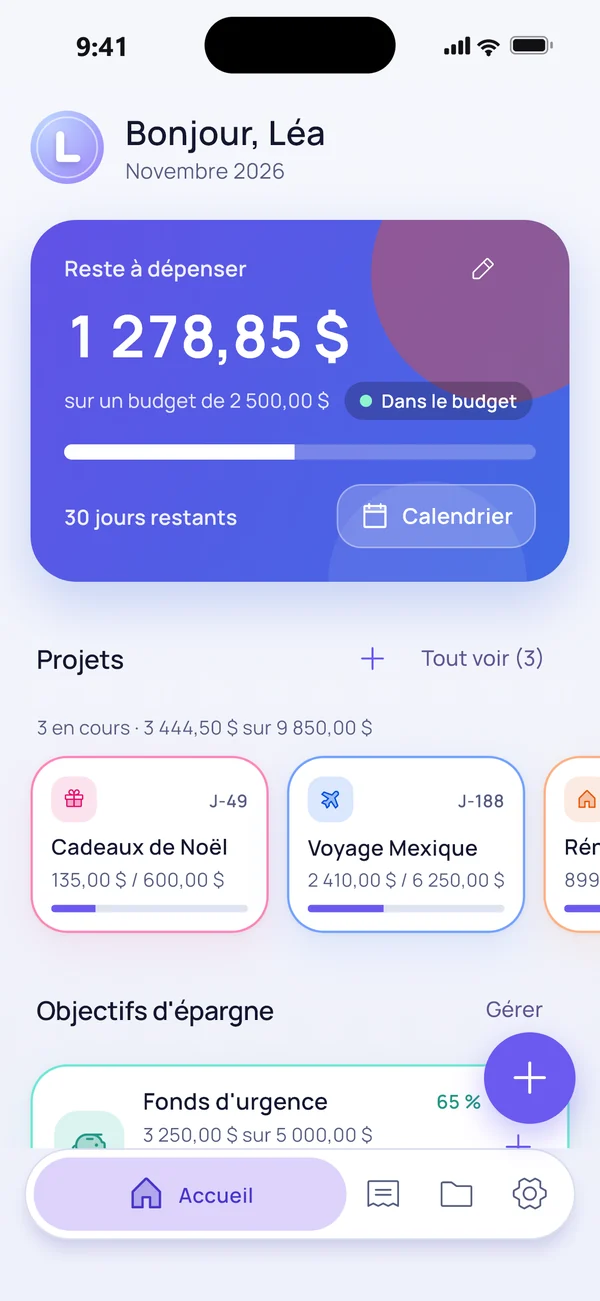
Your monthly “left to spend” and the daily amount, worked out for you. A different budget each month, with history.
Budget app for iPhone
Leyfin shows what you have left to spend each day. Log expenses in seconds, follow your projects and savings goals, and never link your bank.
iPhone · in English and French
A simple app made to log expenses fast and see clearly.
Your monthly “left to spend” and the daily amount, worked out for you. A different budget each month, with history.
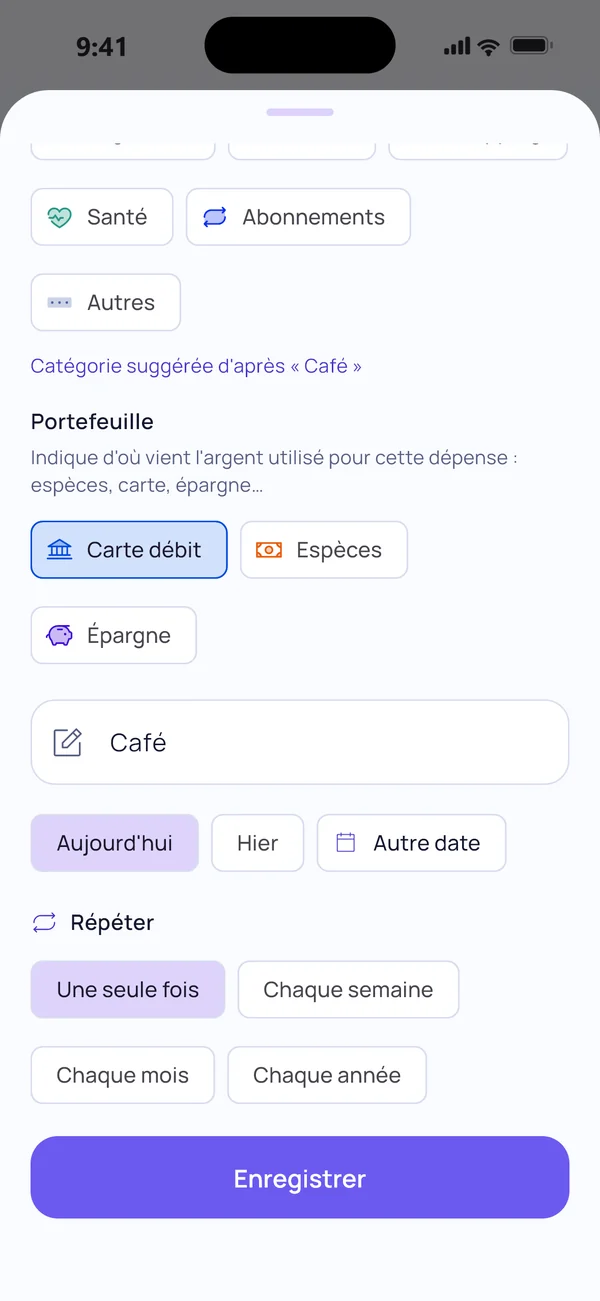
Type the note and the category suggests itself. Categories and subcategories your way, with icon, color and budget.
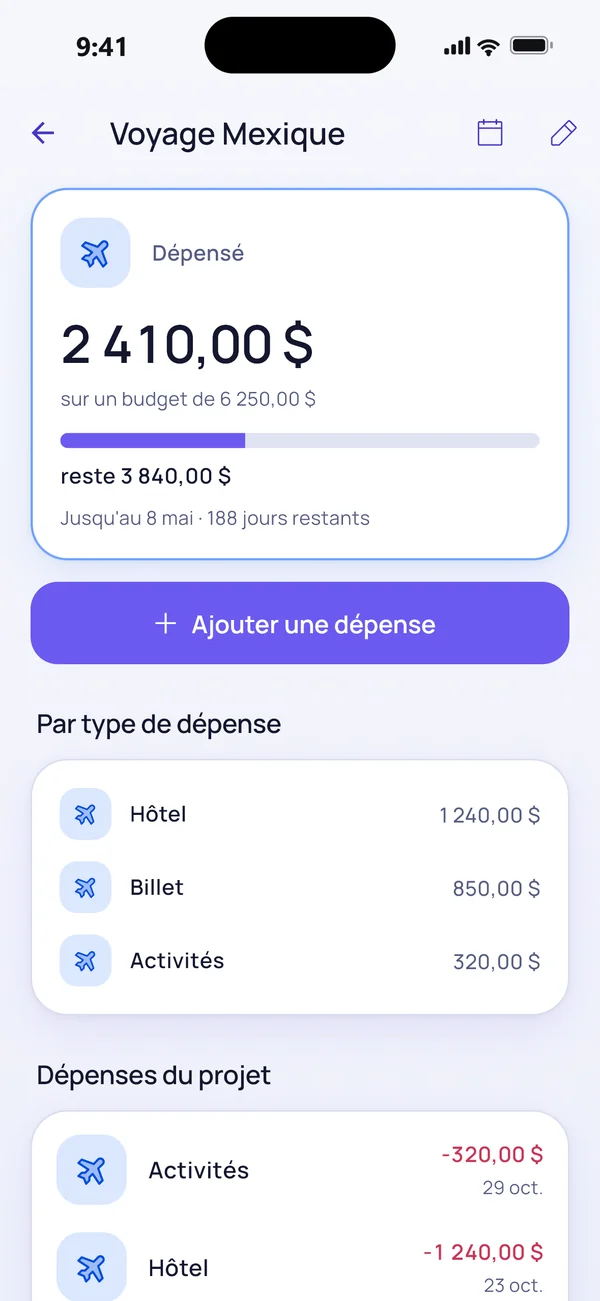
Trip, wedding, renovations: each project has its own budget, end date and overview, separate from your monthly budget.
Add them once: they are logged automatically at each due date, with a reminder before. The calendar also shows upcoming expenses.
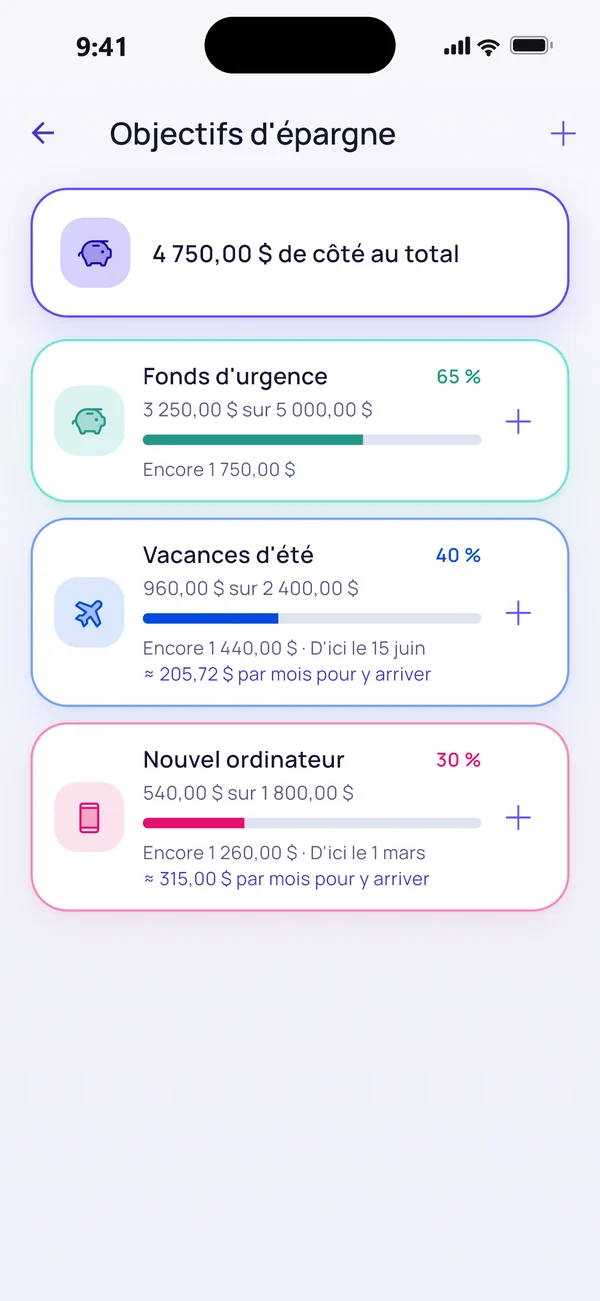
Set an amount, note what you put aside and watch the bar fill up, with what to save each month.
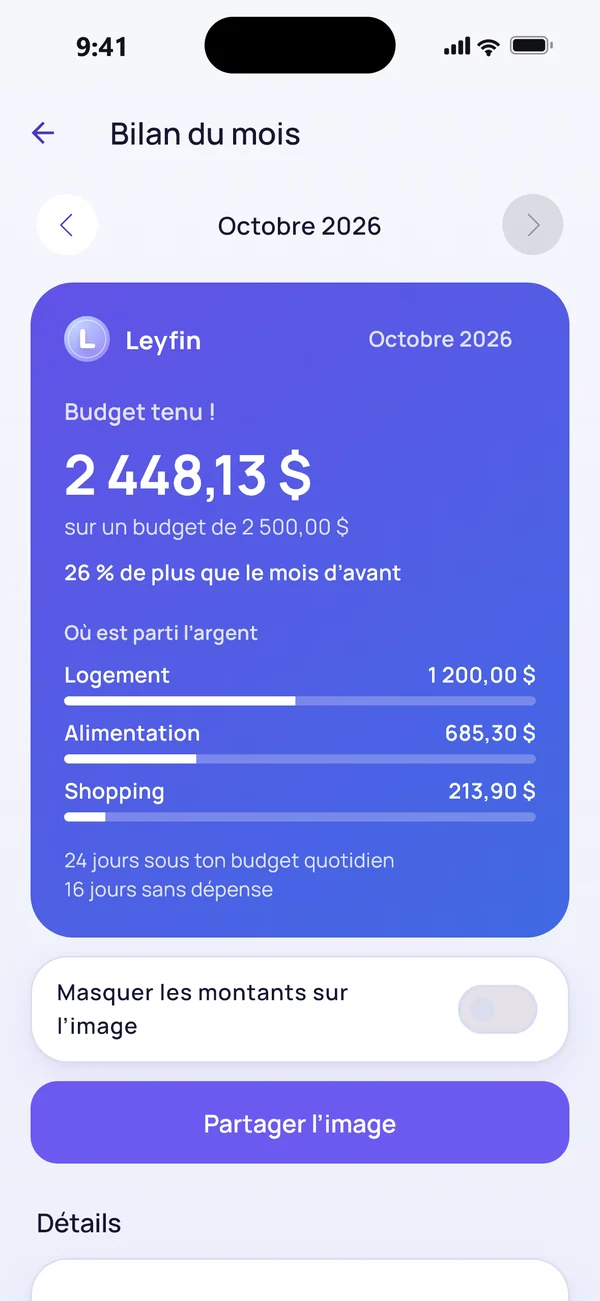
Every month end: budget kept or not, a comparison with the month before and your main categories. Share it as an image, without the amounts if you like.
Your spending by category and subcategory, and the last 6 months compared with your budget.
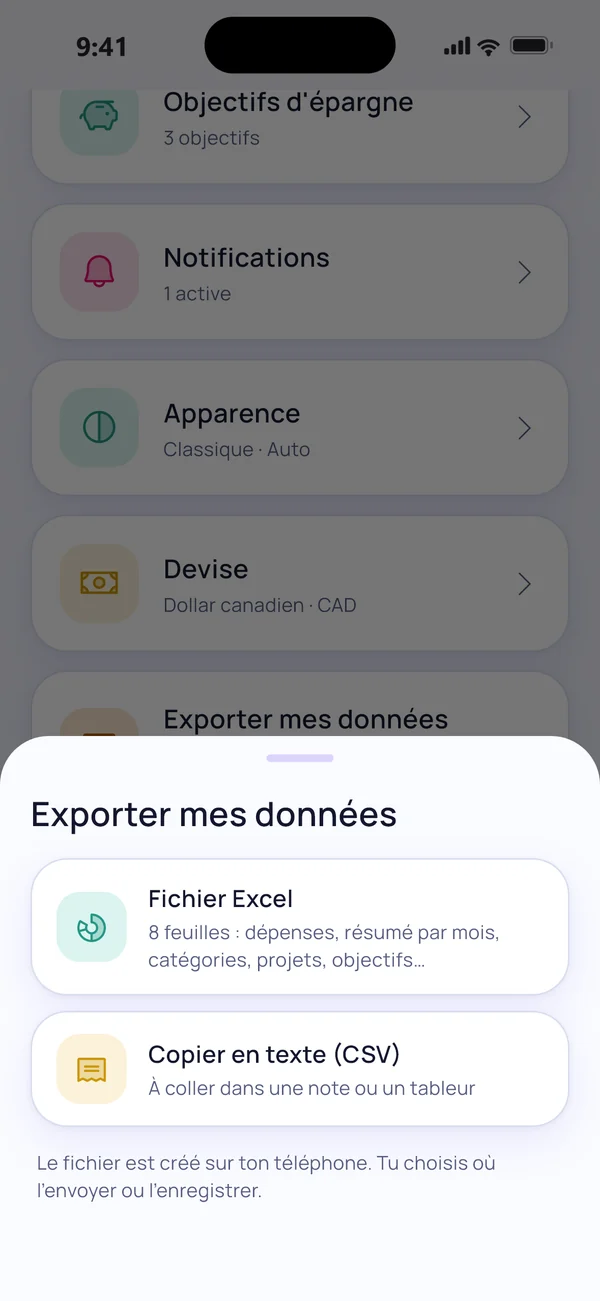
All your data in an 8-sheet Excel file (or CSV), any time. It is created on your phone.
A nudge to log expenses, a Sunday summary, an alert before you go over or when you spend too fast. All optional.
Simple methods, explained step by step: build a budget, save money, track your spending.
Income, fixed costs, variable spending, a safety margin: a simple 5-step method to build a monthly budget, with a worked example.
The 50/30/20 rule splits your take-home pay between needs, wants and savings. How to apply it, with an example and variants for high rent.
Why and how to track spending by hand without linking your bank account: benefits, limits and tips to remember to do it every day.
How to save for a trip, a purchase or an emergency fund: set the amount and date, work out the monthly amount and stay on track.
Yes. The essentials (budget, expenses, calendar, projects, reminders) are free, with no ads. An optional Leyfin Pro will come later.
No. You log expenses yourself: it is quick, and your banking data never leaves your bank.
iPhone first. An Android version may follow.
In your Leyfin account, hosted by Google (Firebase) over encrypted connections. Only you can access it.
In the app: Settings → My account → Delete my account. Your data is erased.
Your choice: Canadian dollar, US dollar or euro (Settings → Currency). Amounts are not converted: only the display changes.
Yes: Settings → Export my data, as a detailed Excel file or as CSV. The file is created on your phone.